My Blog
How to do work at your will without spending your Willpower - Digital Zen
Background
I hear my friends describing their tough stories on dealing with distractions and underlying procastination of work.
- Uninstalling Instagram, only to download it a few days later
- Giving their phones to mom, but needing it back.
- Turning off notifications, only to check whatsapp over and over again because what if some important person or a recruiter messaged them?
Some also delete Youtube, but in this decade where Youtube has become a single most universal source of knowledge (but mostly entertainment haha), can you really go cold turkey from a single site? While you could completely block yourself out of this digital world as a school teenager, the truth is it’s just impossible to do so as an adult when you have jobs to tackle, communities to lead and participate in, learn and continuously learn.
None of the above solutions are fool proof. It requires willpower.
But Willpower, I believe, is a limited resource. We could spend all our day fighting with the distractions, to not pick the phone, to go zen. But everytime we do that, regardless of how long since we have been doing that, we continue spending a limited resource we have daily, i.e. willpower, and it depletes at a point of the day when you finally give in to your impulse and addiction.
While for some Reels and Shorts are a source of quick relax vibes, most other struggle with them as addictions they can’t easily get out on once opening the app.
I am not suggesting to shut yourself out of it. Because you can’t. You can have a balanced work-life, if you consume entertainment as a deliberate thing you do. Not because of impulse. Only if you could somehow constrain yourself to use them at certain times for a limited duration, without spending your willpower to not use them just a minute more, which, we all know, leads to many more minutes, or sometimes, hours being lost.
Solution
Features
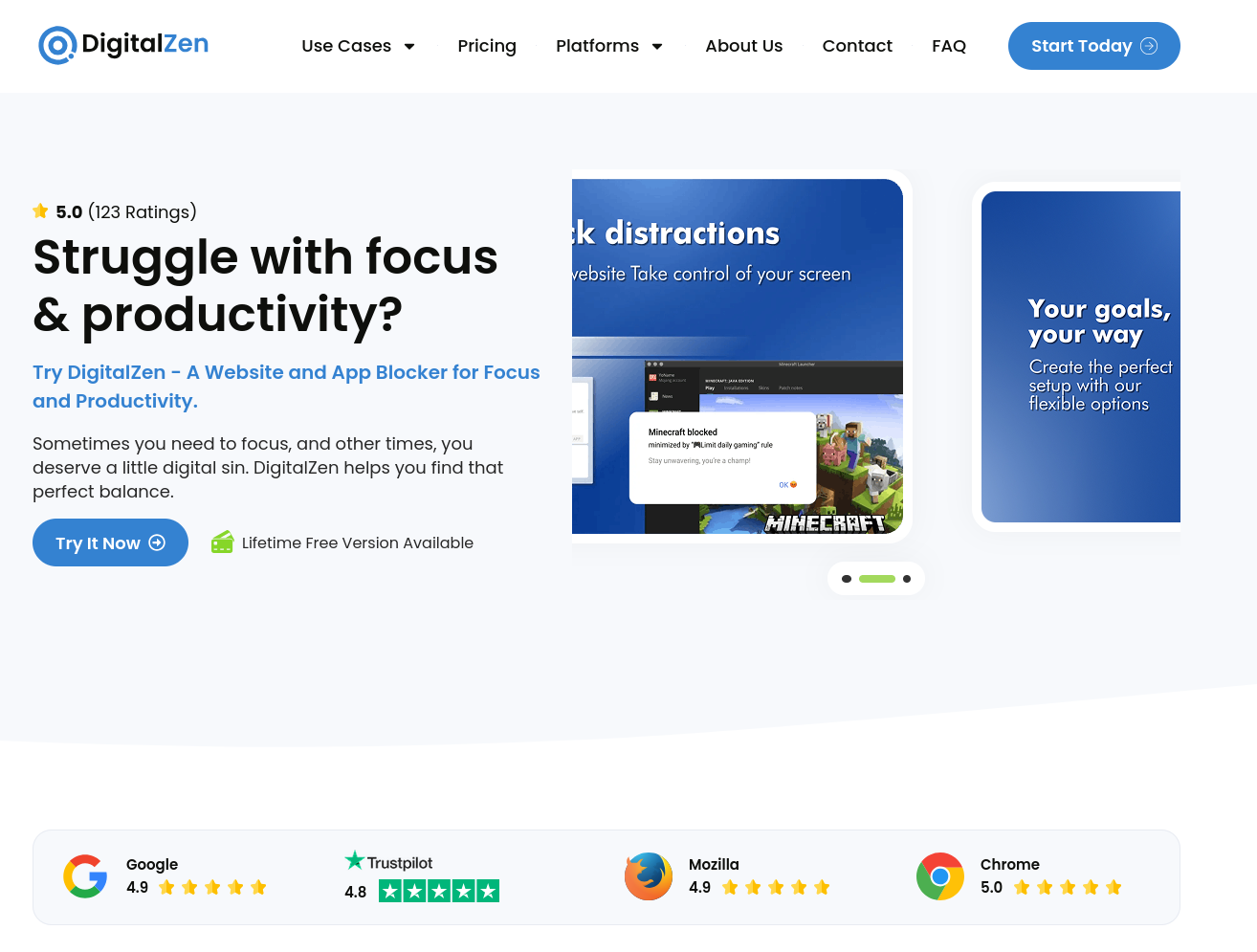
I use Digital Zen to fix this exact loop. Instead of relying on raw willpower, it acts as an intelligent system that governs your digital environment based on your actual intentions—not your short-term impulses.
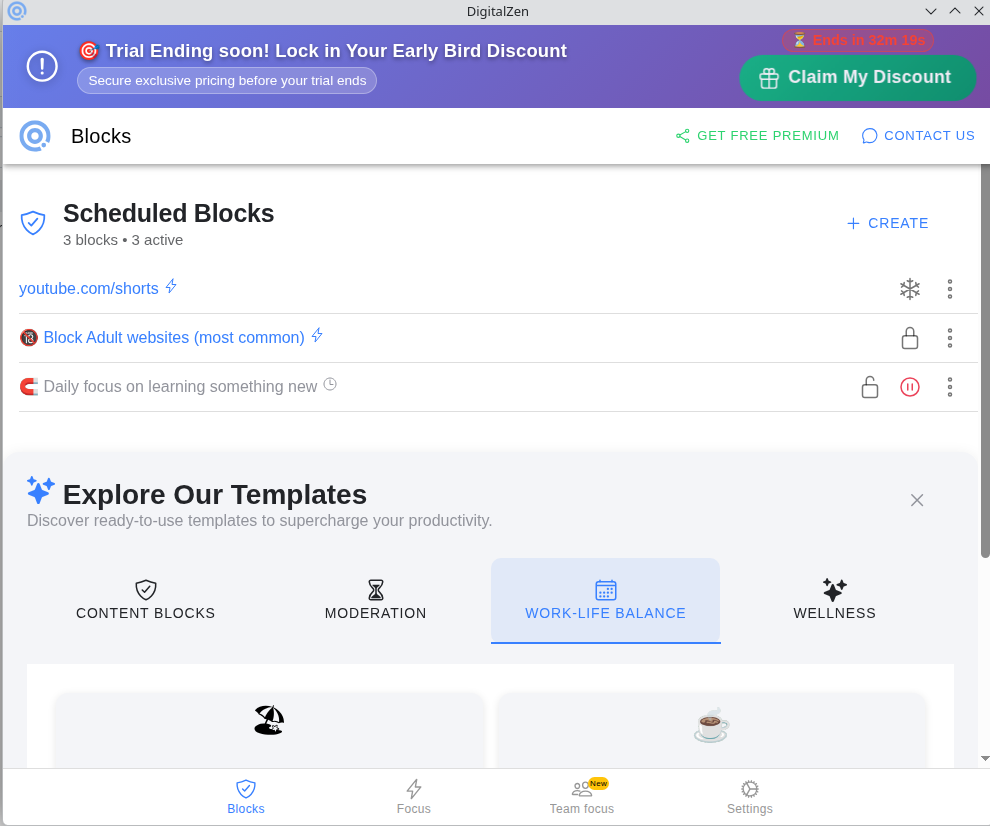
Intelligent Content Blocking
Most blockers are an “all-or-nothing” switch, which just isn’t practical. Digital Zen lets you surgically curate what gets blocked and when:
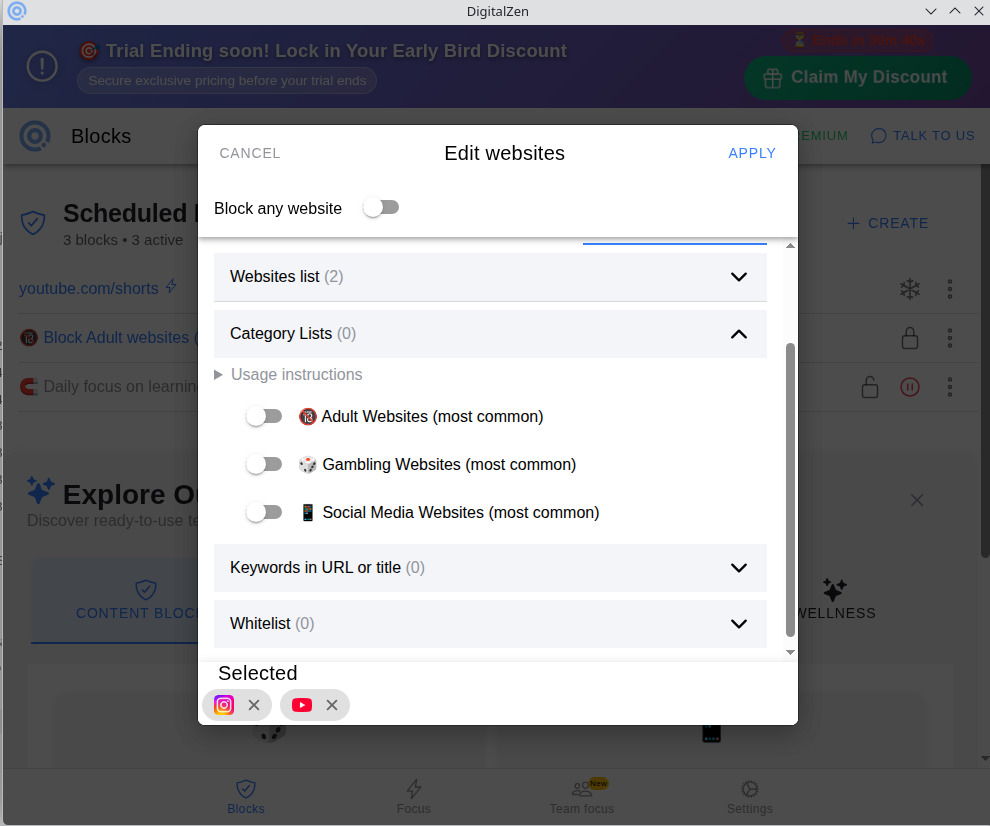
- Granular URL & App Control: Block whole categories like social media, streaming, or adult sites, or set a daily usage allowance before the block kicks in.
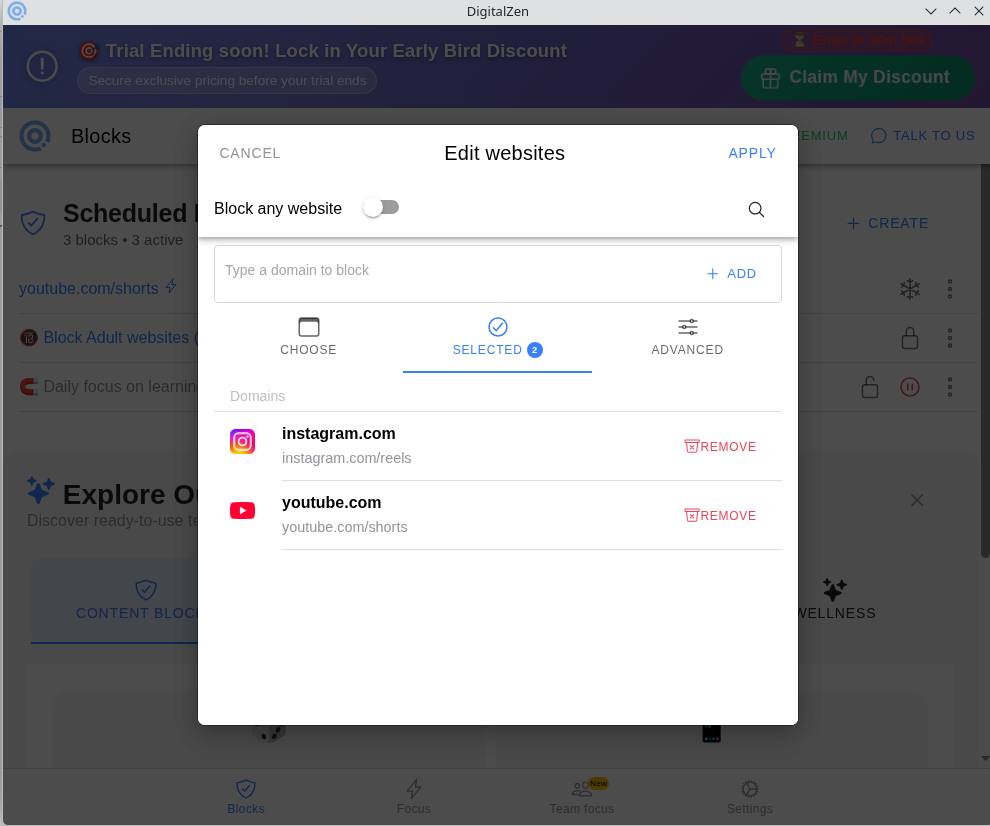
- Regex & Subdomain Precision: This is the game-changer. You don’t have to block YouTube entirely if you use it for learning. You can specifically target
[youtube.com/shorts](https://youtube.com/shorts)or[instagram.com/reels](https://instagram.com/reels)while leaving the main, useful parts of the sites completely accessible.
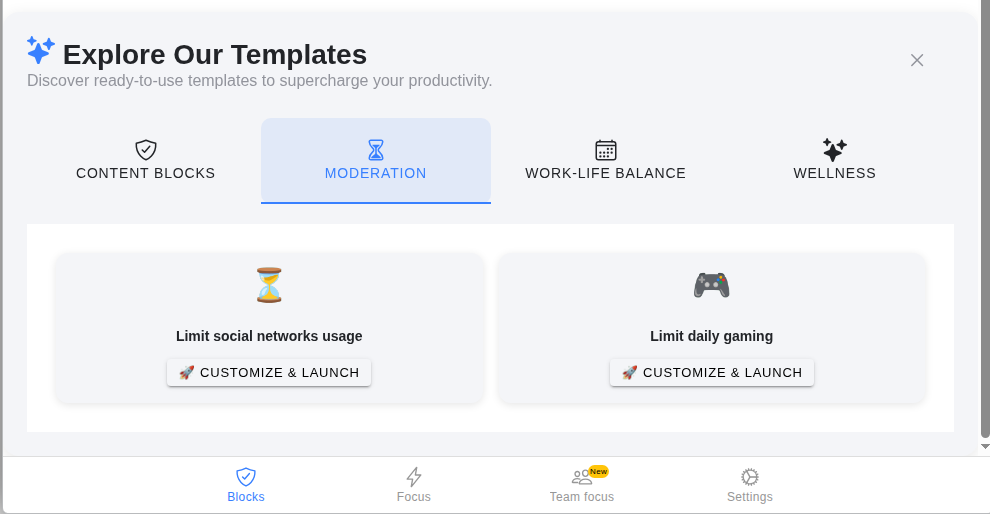
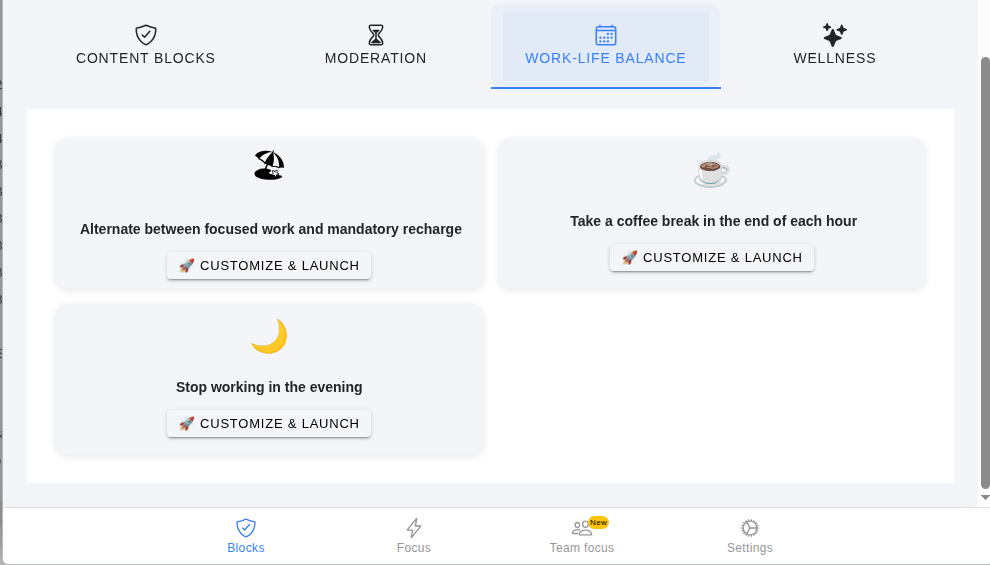
Smart Moderation & Work-Life Balance
You don’t need to quit the internet; you just need boundaries that enforce themselves.
- Balanced Moderation: Put hard caps on gaming or social apps during specific windows of the day.
- Mandatory Recharge: Give yourself a daily allowance of entertainment time. Once it’s up, the app steps in so you don’t spend willpower trying to log off.
- Daily Learning Slots: Set a dedicated time (say, 6 PM–7 PM) where the entire internet is blocked except for your learning platforms like Coursera or Udemy. It turns daily upskilling into an automated habit.
- Evening Shutdown: Block workspace tools like Notion, Google Docs, or Slack after work hours. No more checking emails or tweaking docs at 9 PM when you should be relaxing.
- Sleep & Weekend Cold Turkey: Disconnect from work and distraction-heavy apps completely so you can actually spend quality, present time with family.
Focus Sessions (Instant Setup)
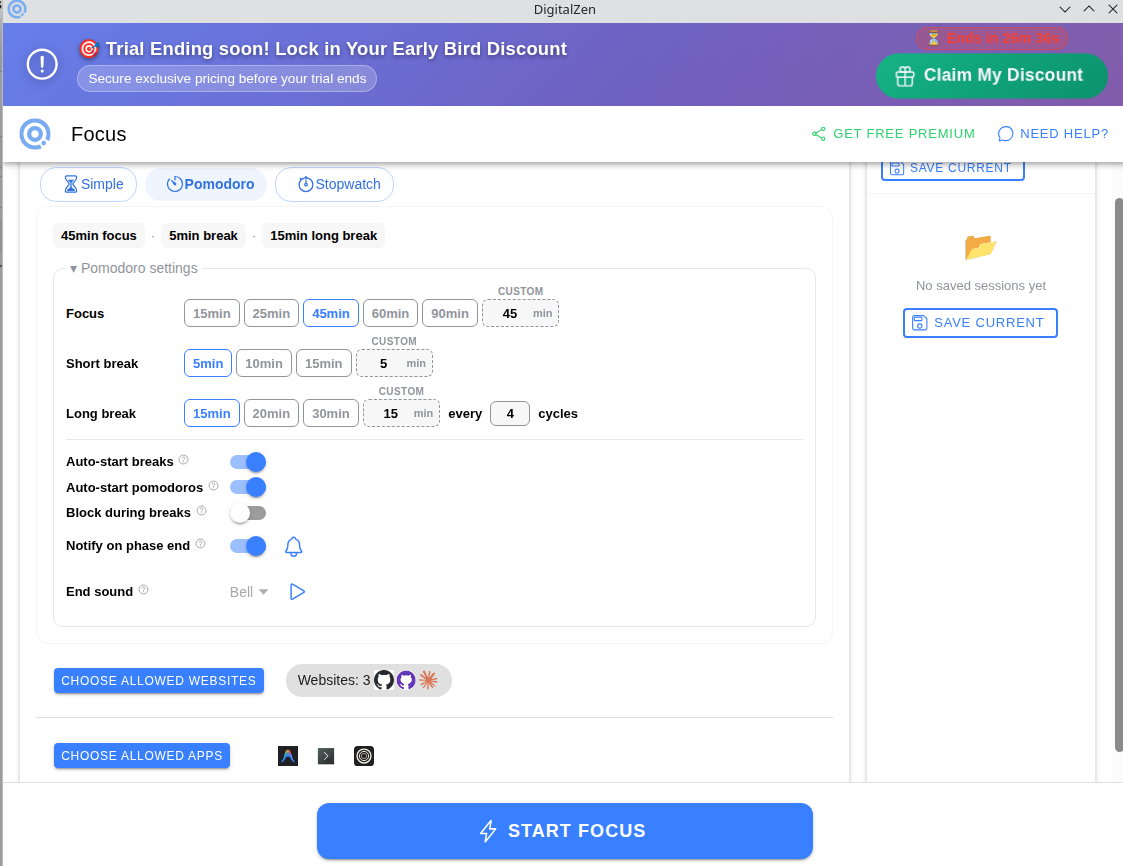
Setting up elaborate rules takes effort, and procrastination loves complexity. If you just want to get work done right now:
- Quick-Start Focus: Launch a session in seconds. Block the entire internet except for 2–3 whitelisted tools you need for your current task.
- Flexible Modes: Built-in support for Simple timers, Pomodoro cycles, or an open-ended Stopwatch mode.
- Team Focus: Bring friends or classmates into shared, real-time group focus sessions. It recreates the accountability of an old-school library study group, right from your desk.
Why Digital Zen is Built Different
We’ve all downloaded blockers only to disable them the second a craving hits. Digital Zen eliminates the “easy exit” routes through true accountability mechanisms.
Unbypassable Locking Profiles
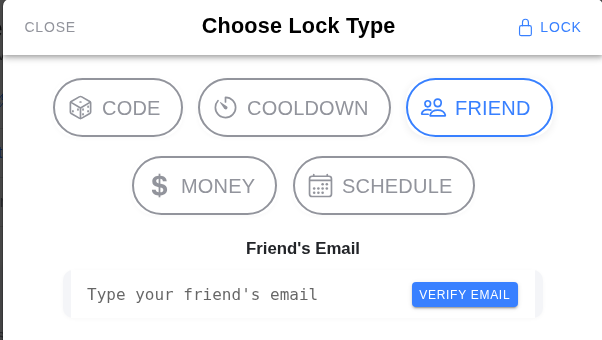
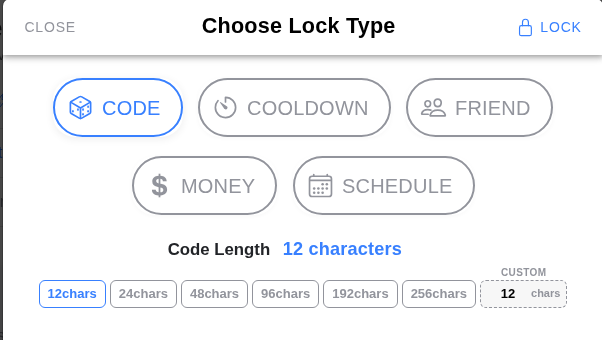
When you set a rule, you can lock it using different friction methods so you can’t just turn it off on a whim:
- Random Code: Forces you to type out up to 48 random characters to unlock a profile. (By the time you type it, the impulse usually dies).
- Cooldown Period: Makes you wait a set duration (like 5 minutes) before unlocking. That brief pause is often all your brain needs to step out of auto-pilot mode.
- Friend Lock: The classic accountability method—an unlock key is emailed to a friend, meaning only they can release the block.
- Financial Accountability: Pay a small fee/donation to break your rule early. If you really want to scroll, it’s going to cost you.
- Schedule Lock: The profile can literally only be edited or unlocked during a specific, pre-designated time window (e.g., 9:30 PM – 10:00 PM).
Hardened Protection & Cross-Platform Power
- Impossible to Bypass: Unlike simple browser extensions that you can disable in two clicks, Digital Zen is deeply integrated into your OS to prevent sneaky uninstall tricks or force-closing.
- Native Linux Support: Cold Turkey and other popular blockers have ignored Linux users for years. Digital Zen is the only foolproof, system-level app blocker natively supported on Linux (alongside Windows and Mac).
You don’t need more self-control. You just need a system that respects how your mind actually works.